Sharing (or Hiding) Your Stuff: A Guide to Tote Visibility
Secure your private items, share your public collections, and help lost totes find their way home with our new Visibility settings.
Your storage needs aren't one-size-fits-all. Some things are top secret (like that box of old diaries), while others are meant to be shared (like the "Guest Linens" bin). That is why Tote-Pilot gives you complete control over who sees what.
1. Private by Default
Security is our top priority. When you create a new tote, it is Private by default. This means:
- Only you (the account owner) can view the contents.
- Scanning the QR label requires you to be logged in to your account.
- If a stranger scans your label, they see a login screen, not your stuff.
2. Going Public
Sometimes you want people to see what is inside a tote without needing your password. Maybe you are:
- Giving a house sitter access to the "Emergency Supplies" bin.
- Sharing a "Camping Gear" inventory with your trip buddies.
- Letting your kids see what is in the "Toy Rotate" bin.
In these cases, you can set a tote to Public.
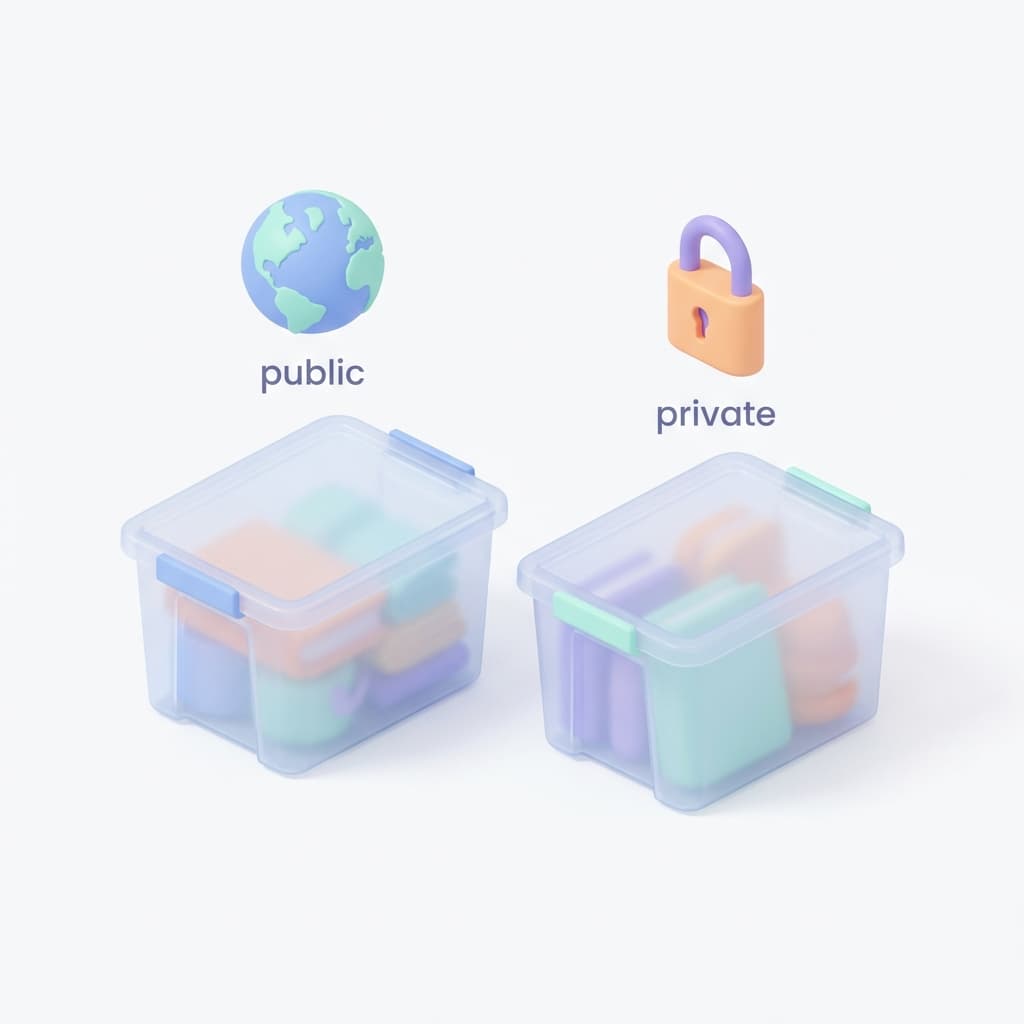
You can choose the visibility setting right when you create the tote:
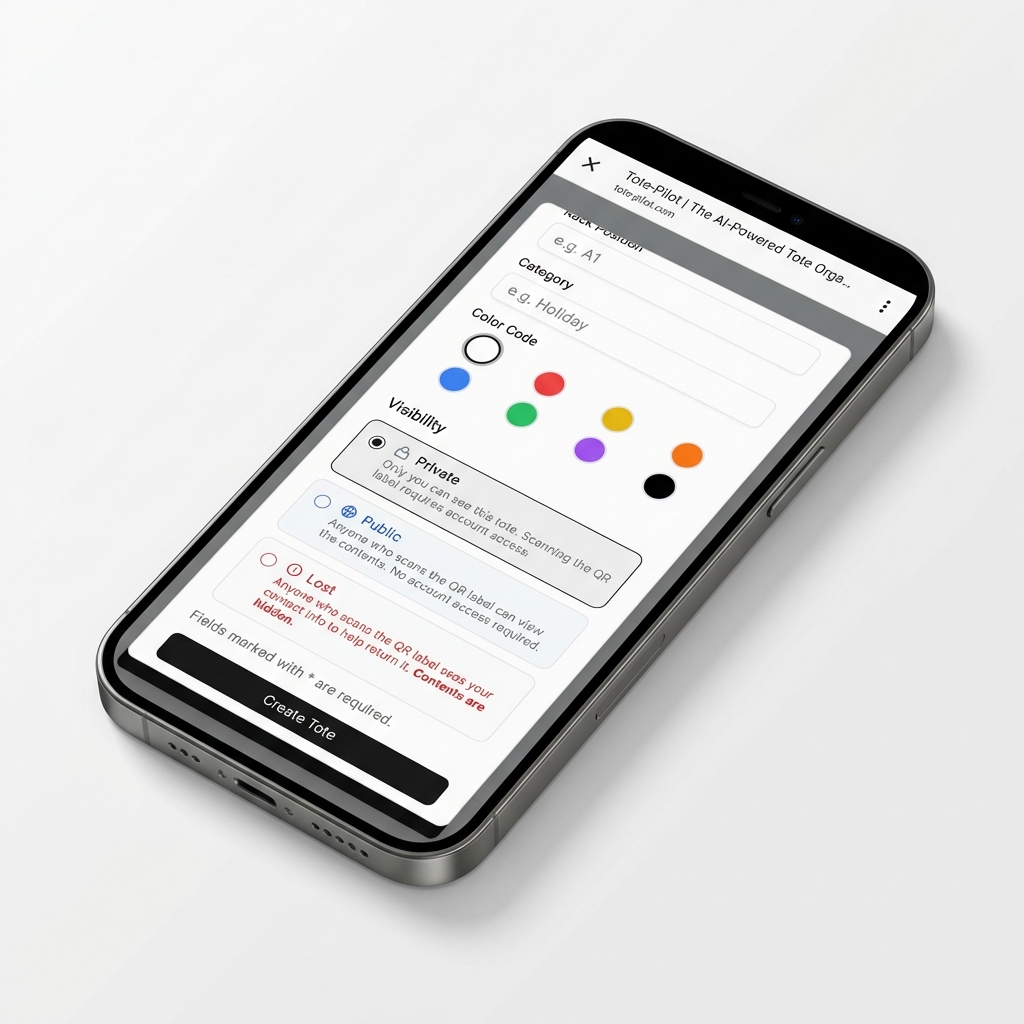
Or you can change it later by editing the tote details. Once a tote is Public, anyone who scans its unique QR label can see a read-only view of the items and images inside. They do not get access to your account or any other totes.
Sharing the Link
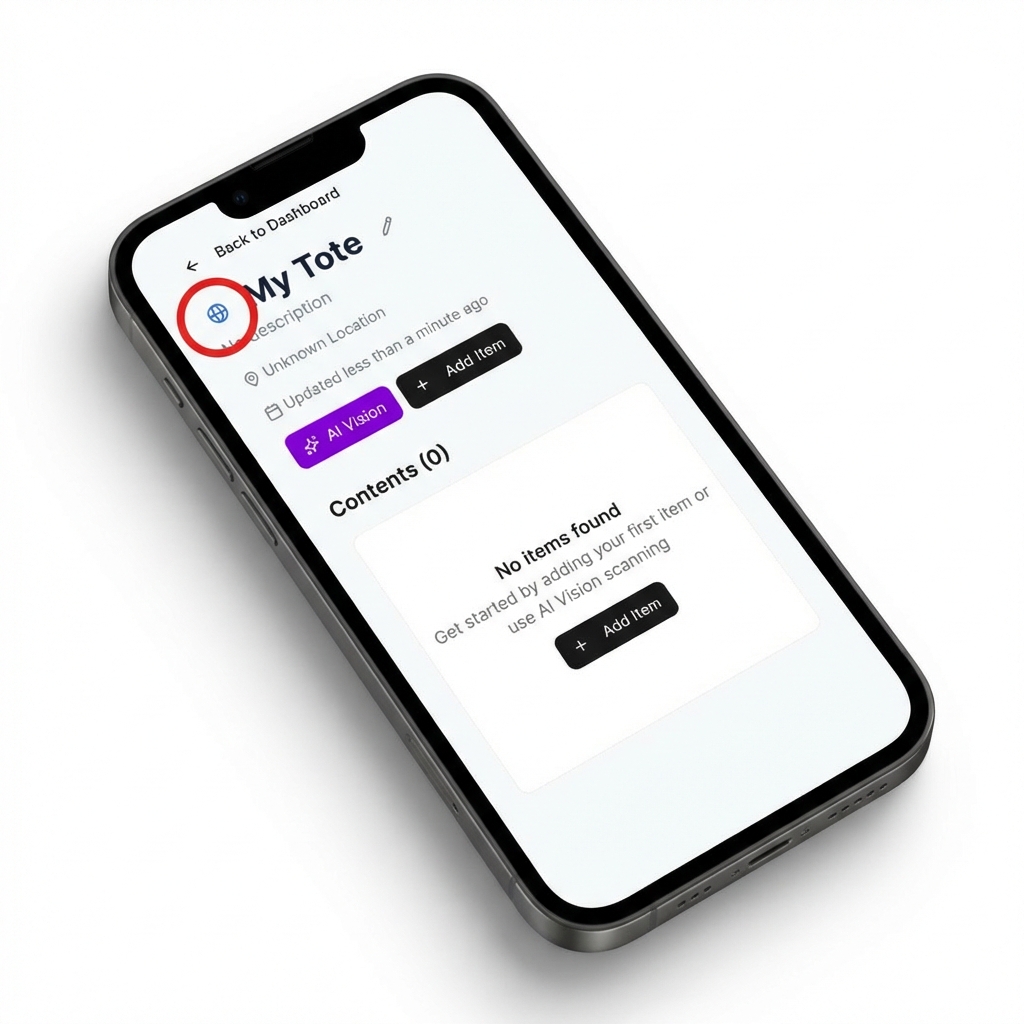
You don't even need the physical label to share. If a tote is Public, just tap the globe icon next to the tote name to instantly copy the shareable URL to your clipboard.
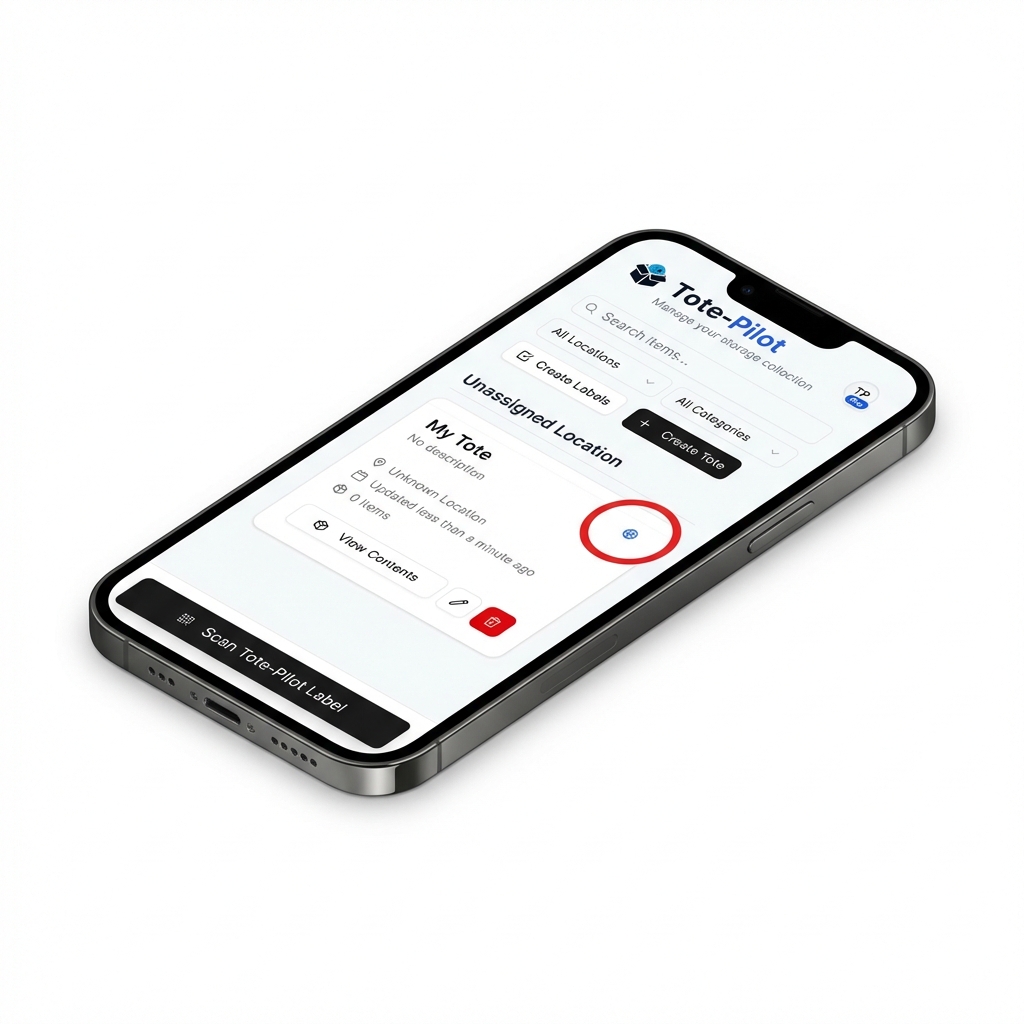
You can easily spot which totes are Public versus Private in your dashboard by looking for the globe icon indicator:
3. Lost Mode
Moving or shipping boxes? There is always a risk of a box going astray. If a tote goes missing, you can switch it to Lost mode.
When a tote is flagged as Lost:
- Contents are Hidden: We respect your privacy. The list of items and photos are hidden from the public view.
- Contact Info is Shown: Scanning the QR label will display your Name and Email address (if you have enabled this feature), making it easy for a Good Samaritan to contact you and return your property.
Whether you are locking down valuables or sharing resources, Tote-Pilot adapts to your life. Start organizing securely today.