Managing Your Board Game Collection with Tote-Pilot
Do you have a 'Shelf of Shame'? Learn how to organize your rules, pieces, and expansions so you can spend less time searching and more time playing.
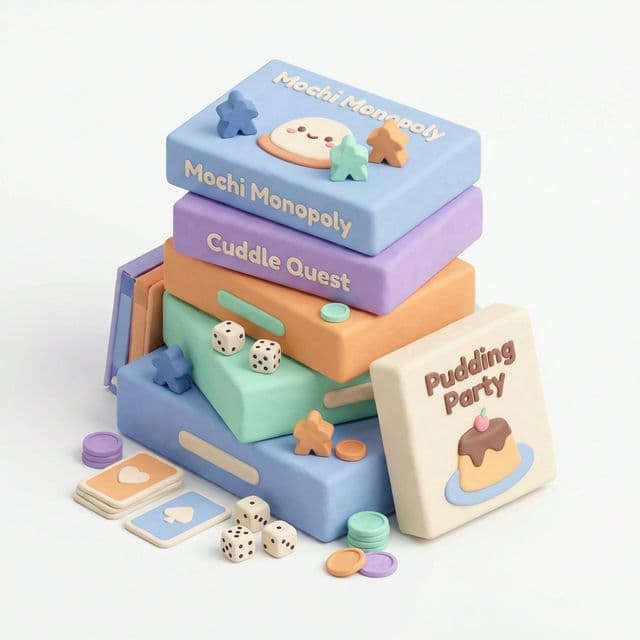
Board game collections have a way of expanding until they take over entire rooms. One minute you have Catan and Ticket to Ride, and the next you have a Kallax shelf overflowing with Kickstarters you haven't even opened yet.
The "Expansion" Nightmare
The biggest challenge isn't just the boxes—it's the expansions. Do you keep them in their original boxes (taking up huge amounts of space)? Or do you consolidate them into the base game box (risking a messy mix-up)?
With Tote-Pilot, you can embrace the consolidation method without fear. Store your expansions in the main box or a dedicated "Expansions" bin, and simply snap a photo of the contents. Include the expansion names like "Catan + Seafarers + Cities & Knights" in the description, and you'll know exactly where every component lives.
Conquering the "Shelf of Shame"
We all have one: the shelf of games we bought but haven't played yet. It stares at us, judging us.
Turn that shame into a to-do list! Create a specific tote or location in Tote-Pilot called "Unplayed Games." When game night rolls around, filter your inventory by that location. No more forgetting about that hidden gem you bought at PAX three years ago.
Finding the Perfect Game
Your friends are over. You need a game that supports 5 players, isn't too heavy, and takes under 90 minutes. Instead of scanning your shelves and reading the back of every box, just search your digital inventory.
Include those key details (like "5-player", "Co-op", or "Party") in your item titles or descriptions, and you can search instantly to find the perfect match. Level up your game night with Tote-Pilot.