Perfecting Your Inventory: Why Individual Item Images Matter
Most inventory apps associate photos with the storage bin itself. We built our architecture around individual item images to eliminate the "search and rummage" cycle. Here is why it matters.
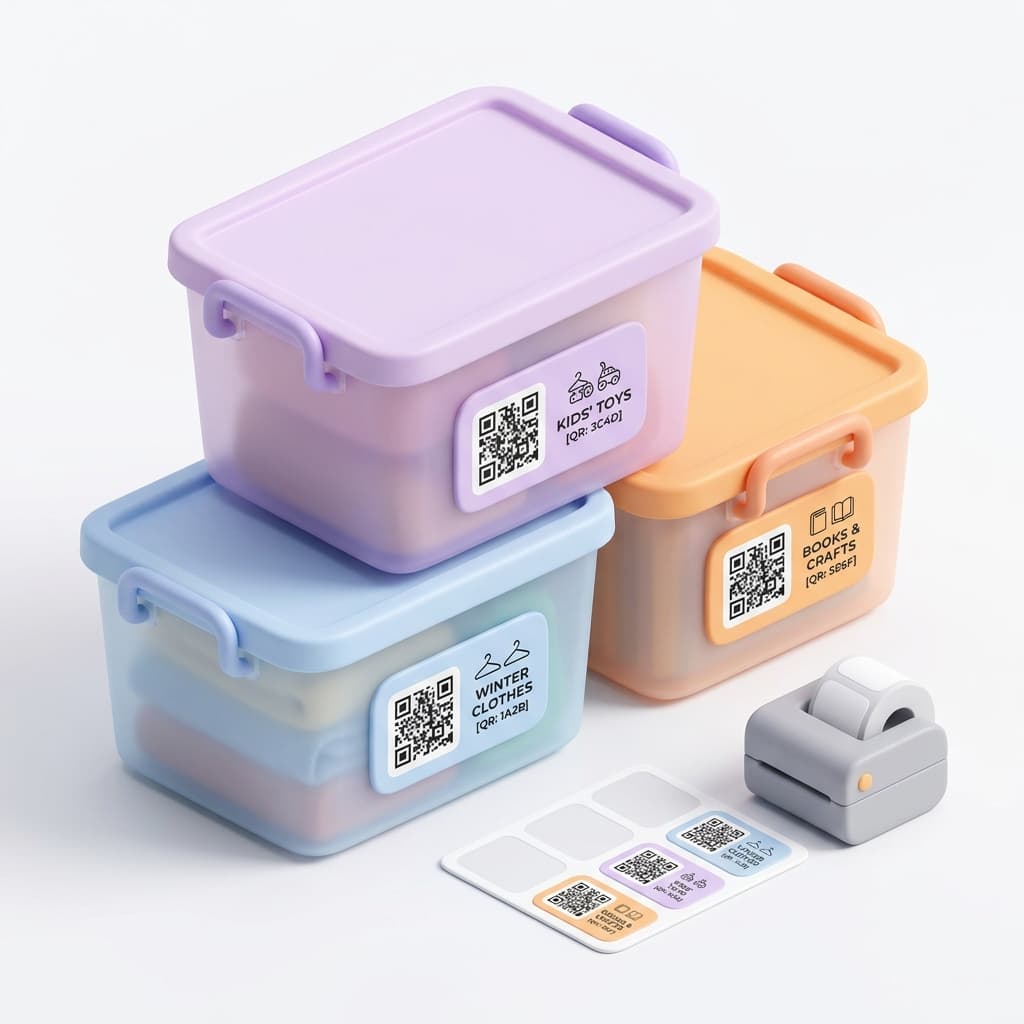
When I first started digitizing my garage, I noticed a flaw in the way most storage apps are designed. They allow you to attach multiple photos to a storage bin to show general contents. While this provides a snapshot of the box, those images aren't associated with the specific items inside. This becomes a bottleneck when you actually need to find one particular thing six months later.
If you have ten bins of "Winter Clothes", seeing photos of the bins doesn't help you identify which one contains your specific navy blue sweater. You still end up opening lids to visually confirm what you are looking for. Tote-Pilot takes a different approach. We built our data model to associate images directly with individual items, not just the container.
The Power of Item-Level Images
Associating a photo directly with an item changes the entire retrieval experience. When you search your inventory, you don't just see a bin number. You see the actual item you are looking for. This visual confirmation eliminates guesswork and prevents you from tearing apart a perfectly packed tote just to check if it contains the right item.
But getting a good photo in a dimly lit basement is hard. Sometimes the item is upside down, or there is too much distracting background. That is why we built a native image editing suite right into the app.
Using the Image Editor
You don't need a third-party app to fix your inventory photos. We integrated the tools you need to make every item easily identifiable.
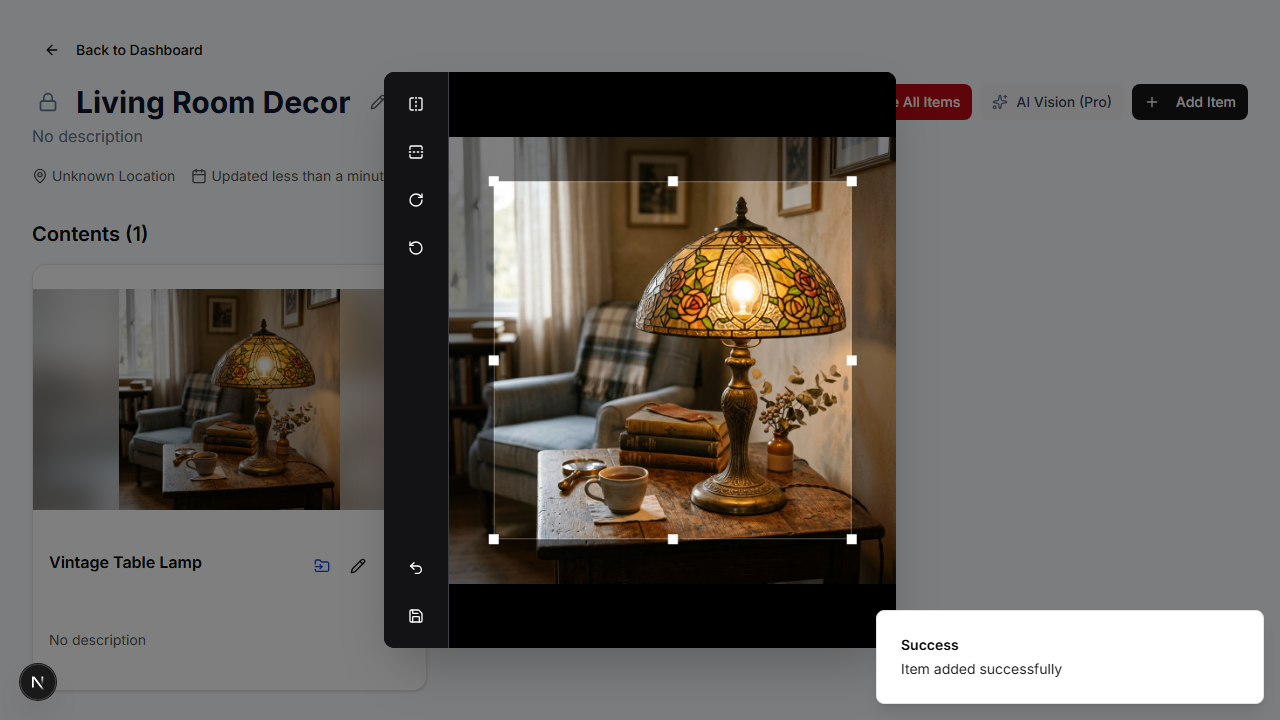
Once you upload a photo for an item, simply tap the thumbnail to open the image view, then click the Crop Image button. You instantly have access to our editing controls.
- Crop out the noise: Drag the corners to remove the messy garage floor from the background so the focus remains entirely on the item.
- Rotate and Flip: If you snapped the photo quickly and it uploaded sideways, fix it with a single tap.
- Save Overwrites: When you hit save, we process the edits and update the thumbnail immediately without cluttering your phone's camera roll.
Beyond a Single Angle
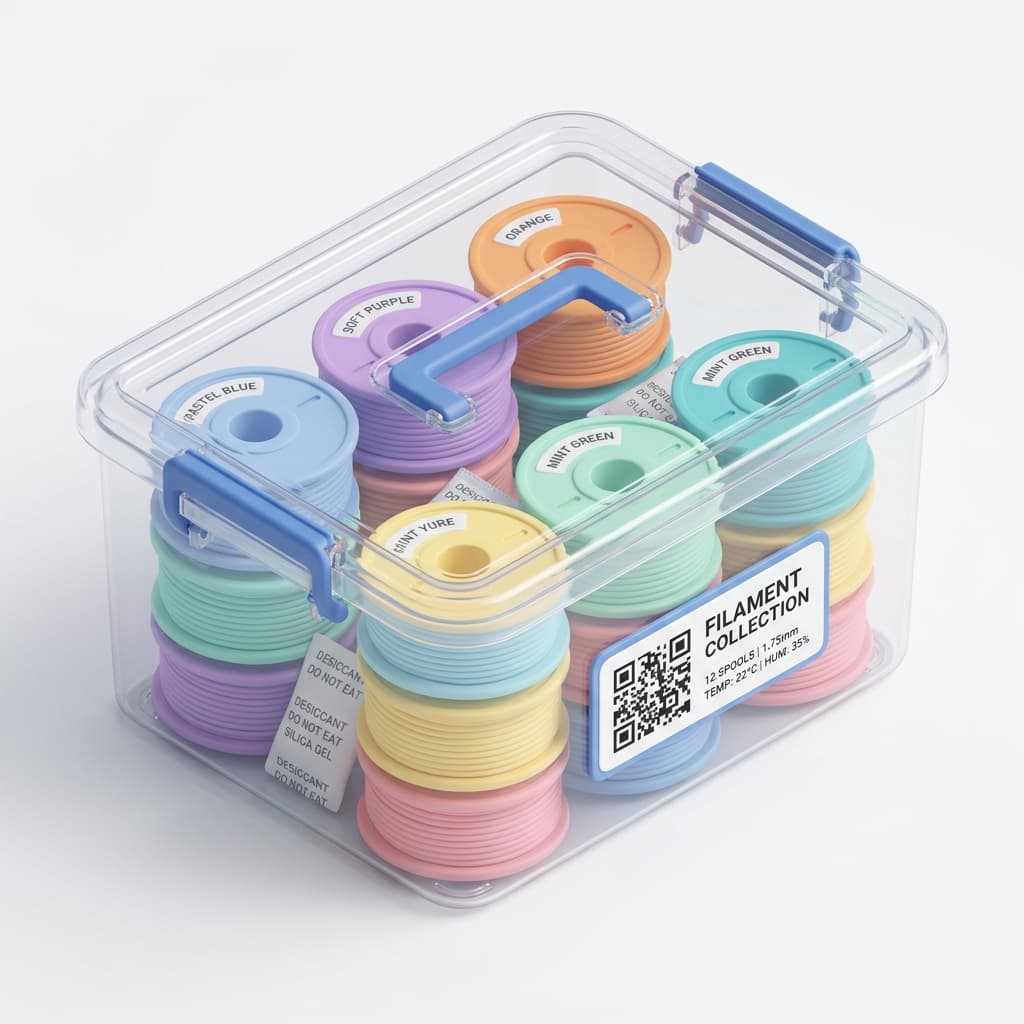
Sometimes one photo isn't enough to capture important details, like a serial number or a specific defect. For our Pro Tier users, we added the ability to upload up to 3 different images per item. You can capture the front, the back, and the barcode, and easily select which one you want to serve as the main thumbnail in your dashboard.
Building this required careful optimization of our image processing pipeline to ensure fast load times, even on mobile connections. We wanted the experience to be fast and simple because a visual inventory is only useful if it is easy to maintain.
Stop guessing what is inside your storage bins. Click here to start your visual inventory with Tote-Pilot.